

Zen Linux
Download
One image for every edition. It boots a live KDE Plasma session with the installer open, and installs without a network.
Newest image
zenlinux-20261104-x86_64.iso
4 November 2026 · 3.3 GB · uploaded
SHA-256 fd237c5d6799db257104e9b7433c50d9ecd3893eec9a6c6096f7c314ac2ed55d
Editions
The installer asks which one to install; the image holds them all.
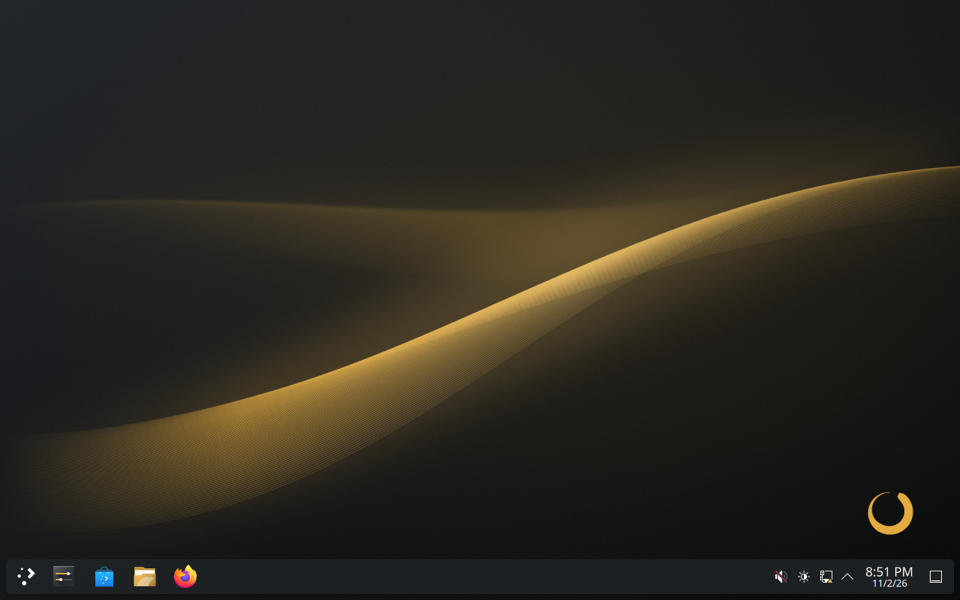
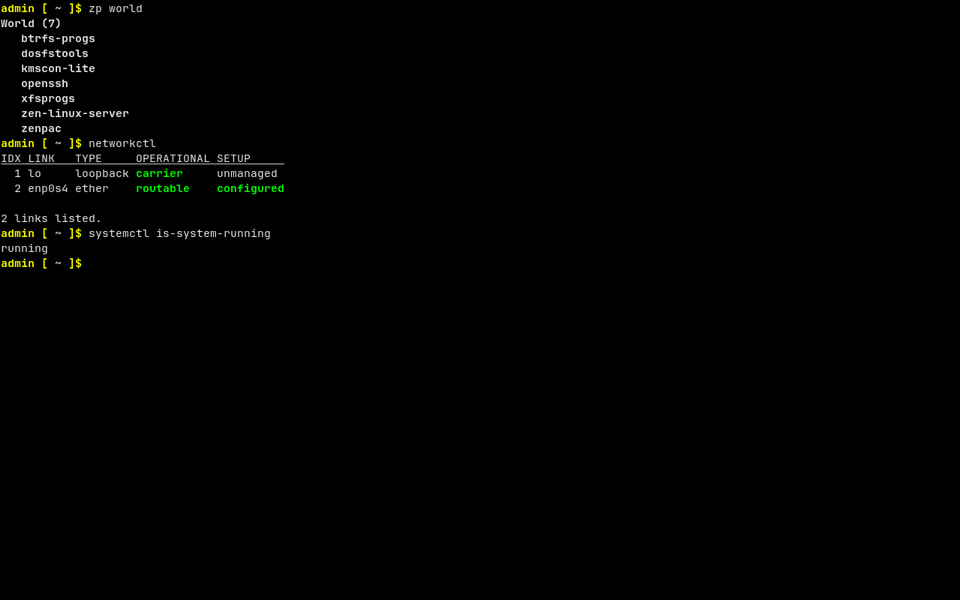
On a machine with NVIDIA graphics, the installer installs the Desktop with NVIDIA’s driver by itself.
What it needs
- An x86_64 CPU with x86-64-v3, which most Intel Core CPUs have since Haswell (2013) and AMD’s since Excavator (2015); some later Pentium, Celeron and Atom models don’t.
- UEFI. The image boots on BIOS machines too, but only as a live system: the installer refuses them.
- At least 12 GiB of disk and 2 GiB of memory.
- No network: the installer copies the edition from the image. With one, it brings the new system up to date as well.
Check the download
The sum the command prints must be the SHA-256 above.
sha256sum zenlinux-20261104-x86_64.iso # Linux shasum -a 256 zenlinux-20261104-x86_64.iso # macOS Get-FileHash zenlinux-20261104-x86_64.iso # Windows, in PowerShell
Write it to a USB stick
Any tool that writes an image to a stick will do, such as GNOME Disks or KDE’s ISO Image Writer. On Linux, find the stick with lsblk, then write the image to it, with the stick for sdX. Everything on the stick is lost:
lsblk # find the stick, e.g. /dev/sdb sudo dd if=zenlinux-20261104-x86_64.iso of=/dev/sdX bs=4M conv=fsync status=progress
Then boot the machine from the stick. The Handbook goes through the installation.